Published Last updated Last reviewed against PCI DSS v4.0.1
PCI DSS Requirement 8.2.8: Idle Timeout and Re-authentication
Posted by
PCIComplianceHub
@pcicompliancehub
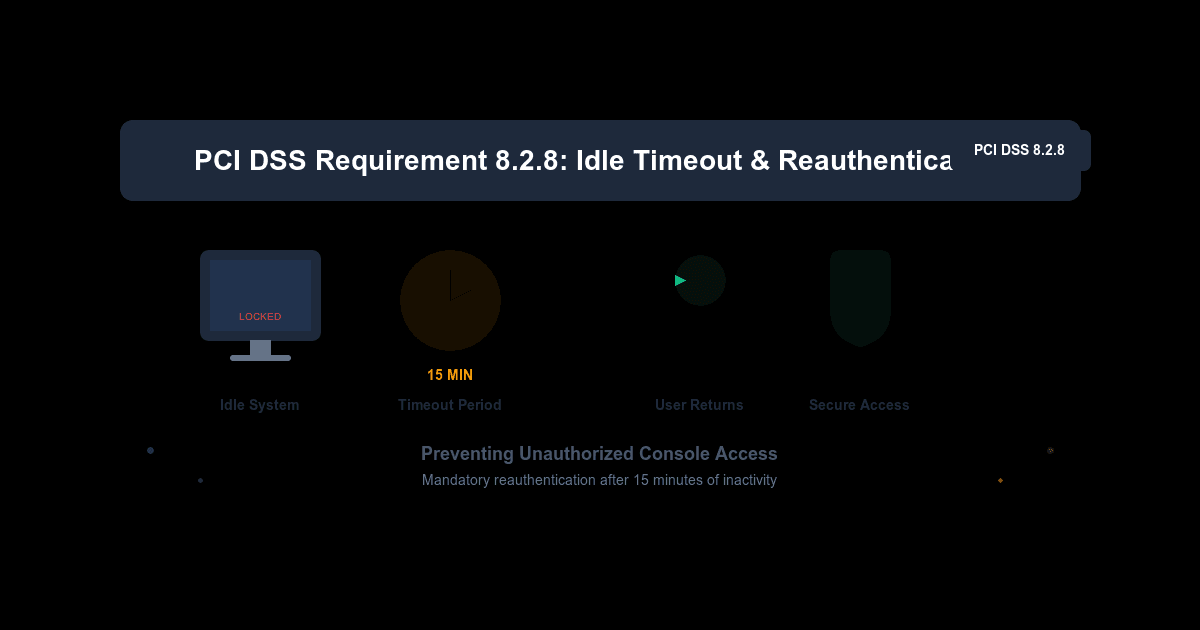
Requirement 8.2.8 is one sentence: if a user session has been idle for more than 15 minutes, the user must authenticate again to re-activate the terminal or session. This article covers what that asks for, how it is tested, what the standard excludes, and where it sits among the other access controls.
What it protects against
The standard's guidance puts it simply. A user who walks away from a machine with access to system components or cardholder data leaves a session someone else could use, resulting in unauthorised access or misuse under that user's identity. The customised approach objective says the same thing as an outcome: a user session cannot be used except by the authorised user.
How it is tested
The testing procedure has the assessor examine system configuration settings to confirm that system or session idle timeouts for user sessions are set to 15 minutes or less. Fifteen minutes is the ceiling; a shorter timeout meets the requirement.
The guidance allows two places to enforce it:
- At the system level, protecting every session on the machine, typically a screen lock that starts after 15 minutes of inactivity and needs the user's password to unlock. The standard gives this as its example.
- At the application level, where the application itself asks the user to authenticate again.
It also suggests staging controls, for example a screen lock at 15 minutes and a full log-off after an hour, while balancing the risk against the impact on the user.
What it does not cover
The requirement has two applicability notes:
- It is not intended to apply to user accounts on point-of-sale terminals that have access to only one card number at a time to facilitate a single transaction. A back-office PC in the same shop, or a terminal that can recall past transactions, is not covered by that exclusion.
- It is not meant to stop legitimate work happening while the machine is unattended. The guidance's answer is to start the long-running task, then lock the computer so no one else can use the session.
The requirement is about interactive user sessions. Accounts used by systems or applications are governed separately; where one can be used for interactive login, 8.6.1 restricts that use to exceptional, approved and time-limited circumstances.
Where it sits among the other controls
8.2.8 is one of several controls that together make each action attributable to one person:
- 8.2.1: every user has a unique ID before access is allowed.
- 8.3.1: all user access is authenticated with at least one authentication factor.
- 8.3.4: accounts lock after no more than 10 failed attempts, for at least 30 minutes or until identity is confirmed.
- 8.4.2 and 8.4.3: multi-factor authentication for non-console access into the cardholder data environment and for remote access from outside the network.
- 9.2.4: consoles in sensitive areas are locked when not in use, the physical counterpart.
Getting it right in practice
- Set it centrally, through directory or device management policy, rather than machine by machine, so a rebuilt workstation does not arrive without it.
- Cover remote sessions too. An idle remote desktop, SSH session or web administration console is a user session in the same way a local login is.
- Check the applications, not only the operating system. A payment or back-office application with its own long-lived sessions needs its own timeout if the system lock does not protect it.
- Keep the evidence an assessor will ask for: the configuration settings, from a sample of each system type, showing 15 minutes or less.
- Where a system genuinely cannot enforce it, the formal route is a compensating control, documented in the standard's worksheet and validated by the assessor, not an informal exception.
Related Posts
Using Network Segmentation to Reduce PCI DSS Scope
What network segmentation does under PCI DSS v4.0.1: why the standard does not require it but scope depends on it, what counts as isolated, and the testing and yearly scope confirmation that keep it counting.
12 Practices to Protect Card Data, and What PCI DSS v4.0.1 Asks for Each
The PCI Security Standards Council's twelve data security practices for small merchants, each set against the PCI DSS v4.0.1 requirements that make it specific: password length, patch deadlines, terminal inspections, scans and more.
Approved Scanning Vendors (ASVs): The Quarterly External Scan, Its Scope, and Choosing a Provider
What PCI DSS v4.0.1 Requirement 11.3.2 asks of external vulnerability scans, what the Approved Scanning Vendor decides and what stays with you, how to scope a scan, and what to ask an ASV before signing.